How to Choose the Right Home Security Camera for Your Family?
Choosing a home security camera often feels overwhelming because of the many options and technical terms involved. Families want protection that fits daily life without adding complexity or stress. A good camera setup should quietly support routines, not disrupt them. Understanding how cameras differ in placement, features, power, and privacy helps avoid unnecessary purchases. The right choice depends less on trends and more on how a home is actually used. When decisions are broken down step by step, the process becomes much clearer. In this article, a practical guide explains how to choose the right home security camera for everyday family needs.
Step 1: Decide Where You Need Monitoring
Indoors: For Family, Pet, or Entryway Monitoring
Indoor cameras are often used to keep an eye on daily activities rather than serious security threats. Common locations include entryways, living rooms, or areas where pets stay during the day. These placements help confirm routines, such as children returning from school or pets behaving normally. Indoor monitoring also supports caregivers who want gentle awareness without constant checking. Cameras should be positioned high enough to see the room clearly while avoiding private spaces. Lighting conditions and furniture placement affect image quality more indoors than many expect. Thoughtful placement ensures useful coverage without feeling intrusive.
Outdoors: For Door, Driveway, or Perimeter Security
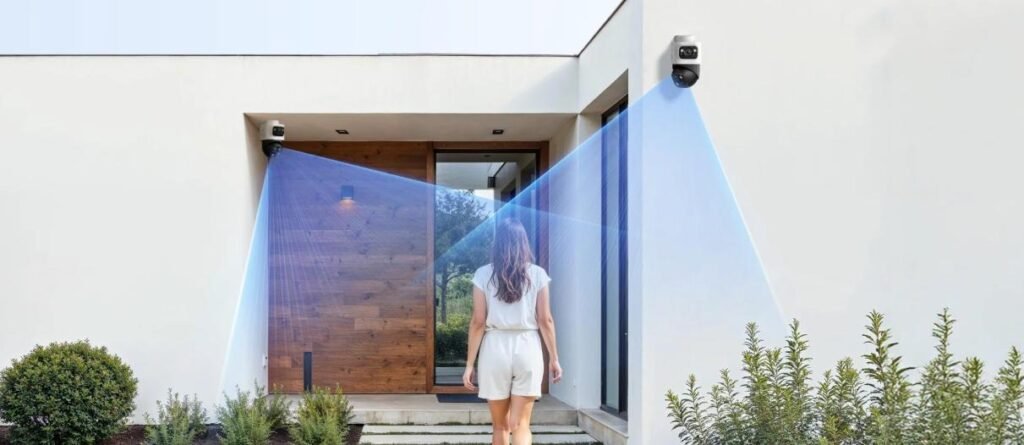
Outdoor cameras focus on prevention and awareness rather than daily routines. Entrances, driveways, and side yards are common priority areas. These locations capture movement before someone reaches the home. Weather exposure, lighting changes, and distance all influence camera performance outside. Cameras should be angled to avoid blind spots while limiting unnecessary views of public areas. Stable mounting reduces image shake caused by wind or vibrations. Clear outdoor coverage builds confidence when away from home or asleep at night.
Step 2: Compare Key Camera Features
Check Resolution and Field of View
Resolution determines how clearly details like faces or objects can be seen. Higher resolution improves clarity but may require more storage. The field of view controls how wide an area the camera can capture. A wider view reduces the number of cameras needed but may distort edges slightly. Balancing resolution and coverage helps avoid wasted footage. Indoor spaces often benefit from wider views, while outdoor areas may need sharper focus. Matching these features to the space improves everyday usability.
Ensure Good Night Vision and Weather Resistance
Many important events occur in low-light conditions. Night vision ensures visibility when lights are off or outdoors after sunset. Infrared or low-light sensors help capture movement without disturbing residents. Weather resistance is critical for outdoor units exposed to rain, heat, or cold. Seasonal changes test camera durability more than expected. Reliable performance across conditions reduces maintenance concerns. These features ensure cameras remain dependable year-round.
Step 3: Choose Your Power and Connection
Wired for Stability, Wireless for Easy Setup
Power and connection types affect reliability and installation effort. Wired systems provide consistent power and stable data transfer. They are well-suited for homes planning long-term setups. Wireless cameras offer flexibility and faster installation, especially in rentals. However, signal strength and interference can impact performance. Some households prefer a hybrid approach depending on location. Choosing based on lifestyle avoids frustration later.
Consider Battery Life and Charging Options
Battery-powered cameras require regular attention to stay operational. Battery life varies depending on usage, motion frequency, and weather. Frequent charging can become inconvenient over time. Wired options eliminate this concern but need proper installation. For households wanting minimal maintenance, stable power sources are often preferred. In setups where constant recording is important, wired connections offer peace of mind. Power choices directly influence daily convenience.
Step 4: Select Smart Features and Storage
Look for Motion Alerts and Two-Way Audio
Motion alerts help users stay informed without constant monitoring. Proper sensitivity settings reduce false notifications. Two-way audio allows communication with family members or visitors. This feature is especially useful for deliveries or checking on pets. Alerts should arrive quickly and clearly. Smart features should support routines rather than create distractions. Balanced settings improve usefulness over time.
Pick Between Cloud or Local Video Storage
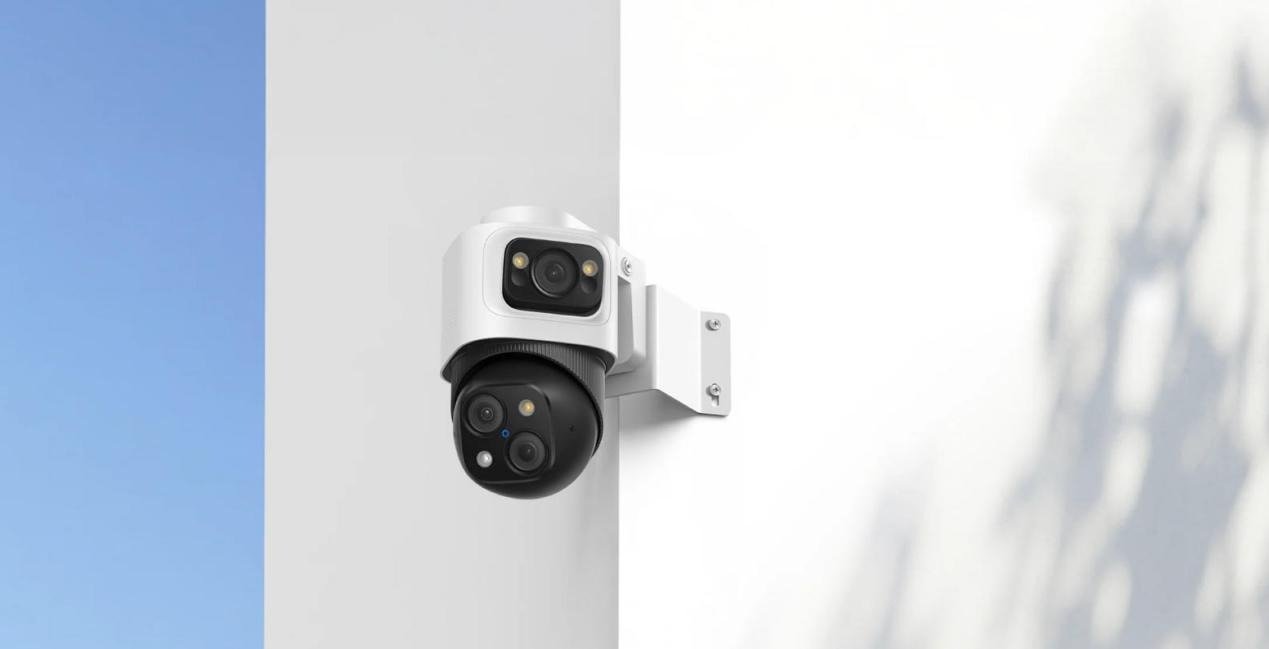
When setting up your home security, your choice of footage storage impacts both convenience and control. Cloud storage allows remote access and automatic backups from anywhere, offering ease of mind and flexibility. In contrast, local storage keeps your data within your home, providing enhanced privacy and long-term cost savings. For those who prefer steady, uninterrupted recording without ongoing fees, local storage—especially when paired with Power over Ethernet (PoE) systems like eufy’s POE camera—offers a particularly reliable solution. A single PoE cable delivers both power and data, ensuring consistent operation without extra wiring complexity. Once set up, this combination works seamlessly in the background, providing security that’s both robust and consistently under your control.
Step 5: Review Privacy and Legal Rules
Use Encryption and Strong Passwords
Security cameras protect homes but also handle sensitive data. Encryption helps prevent unauthorized access to video feeds. Strong, unique passwords reduce account risks significantly. Passwords should be updated periodically. Avoiding shared logins improves accountability. Secure access ensures monitoring remains private. These practices are essential regardless of camera type.
Follow Local Recording and Placement Laws
Camera placement should respect privacy boundaries. Recording areas within the home is generally acceptable, but private spaces should be avoided. Outdoor cameras should focus on personal property. Laws regarding audio recording and public areas vary by location. Understanding these rules prevents future issues. Responsible placement protects both households and neighbors. Compliance supports long-term, worry-free use.
Conclusion
Choosing the right home security camera is less about advanced technology and more about matching tools to everyday living. By considering placement, features, power, storage, and privacy step by step, families can build systems that feel natural and reliable. Solutions that emphasize stable connections and consistent recording, such as PoE-based camera setups, often suit households seeking low-maintenance and dependable monitoring. When thoughtfully selected, home security cameras become quiet helpers that support safety without disrupting daily life.